Let's onboard with us!

Note : Incase of any further issues or doubts contact
Asin sayed ali :- 6282781172
Abhijith Krishna:- 7306162307

Do also join campus chapter whatsapp group and follow other social media platforms.

You can also refer to Youtube tutorial

µLearn onboarding steps


  1. Navigate to µLearn website

  2. Click "Join µLearn”


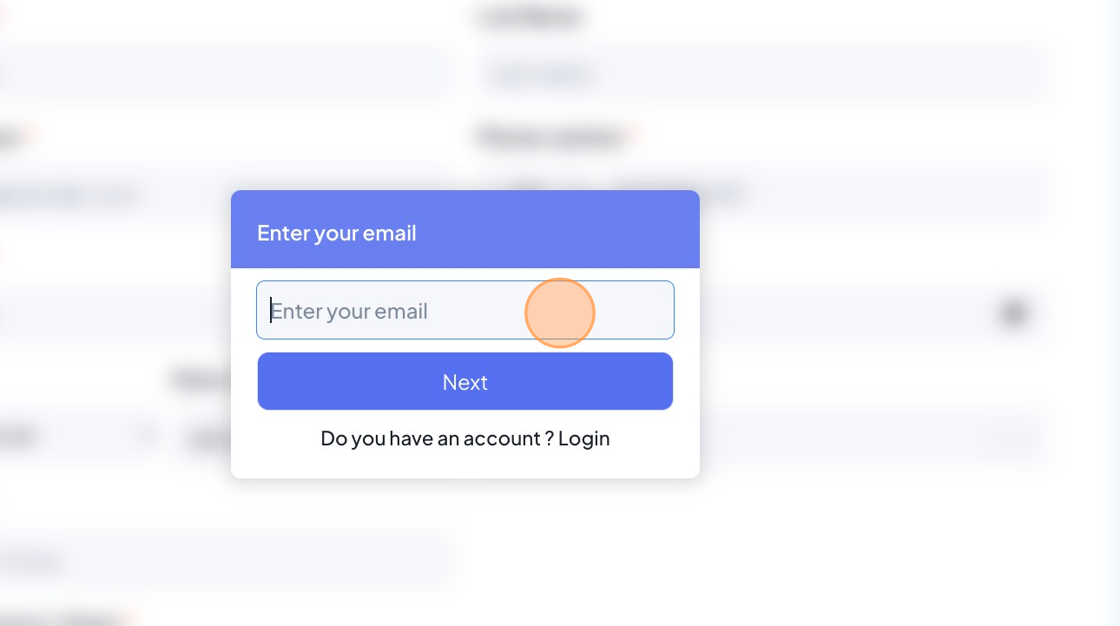
  3. Click the "Enter your email" field and Click "Next”


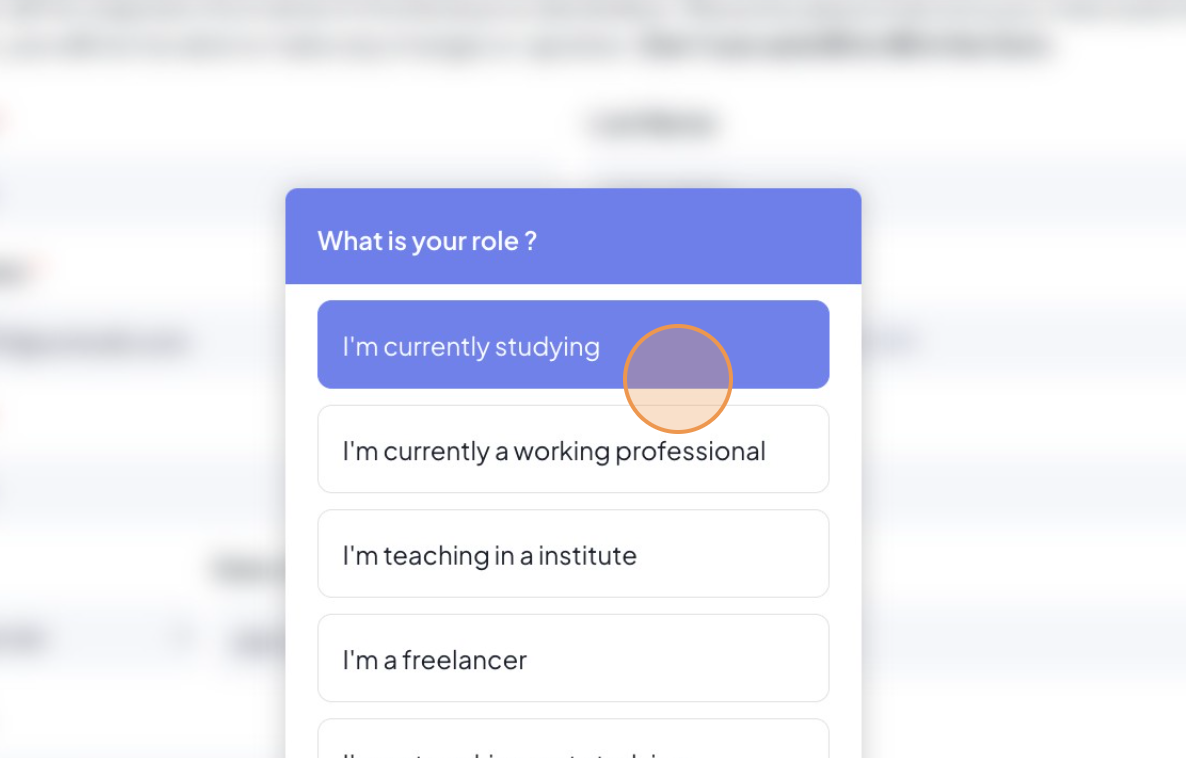
  4. Click "I'm currently studying”


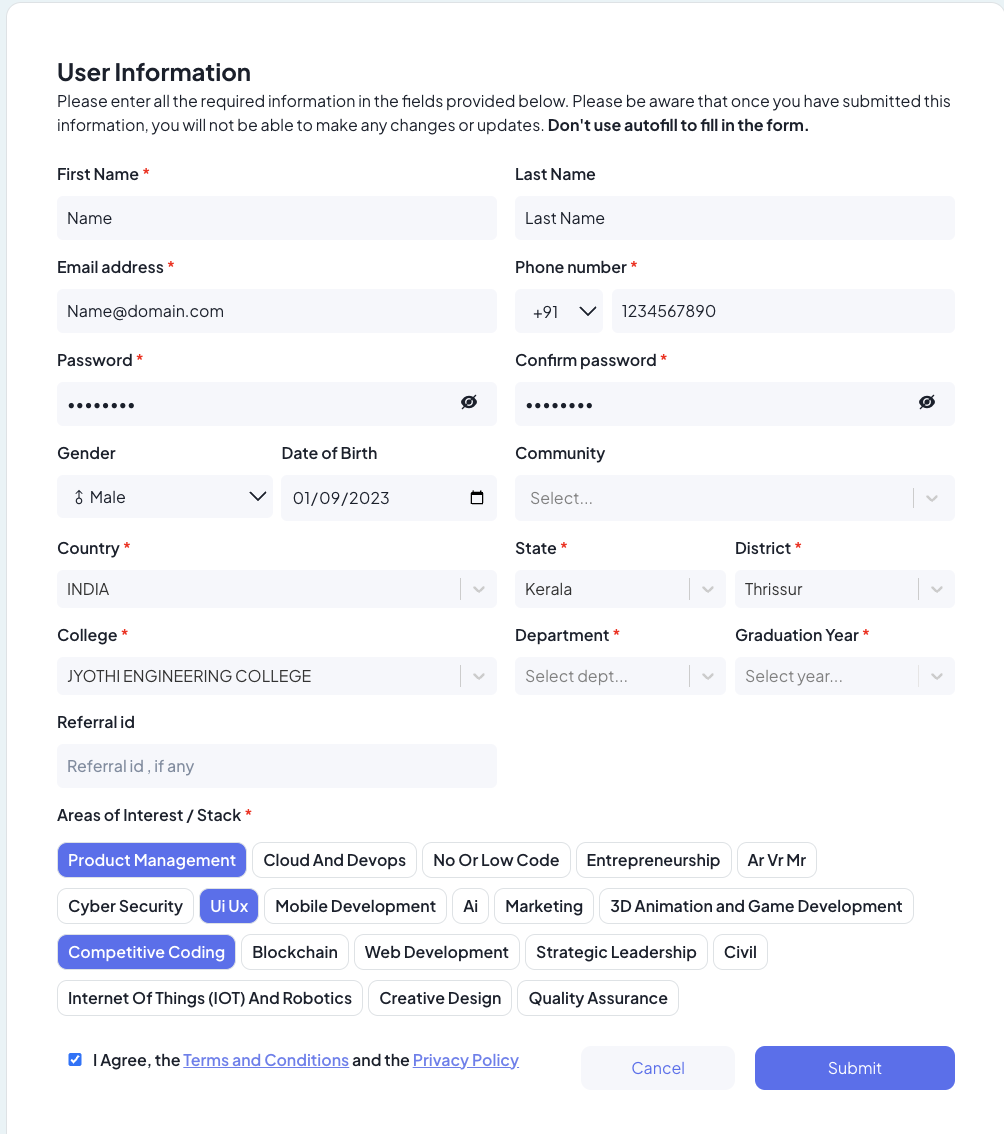
  5. fill the User Information and select the interest area and check the check box and click submit.


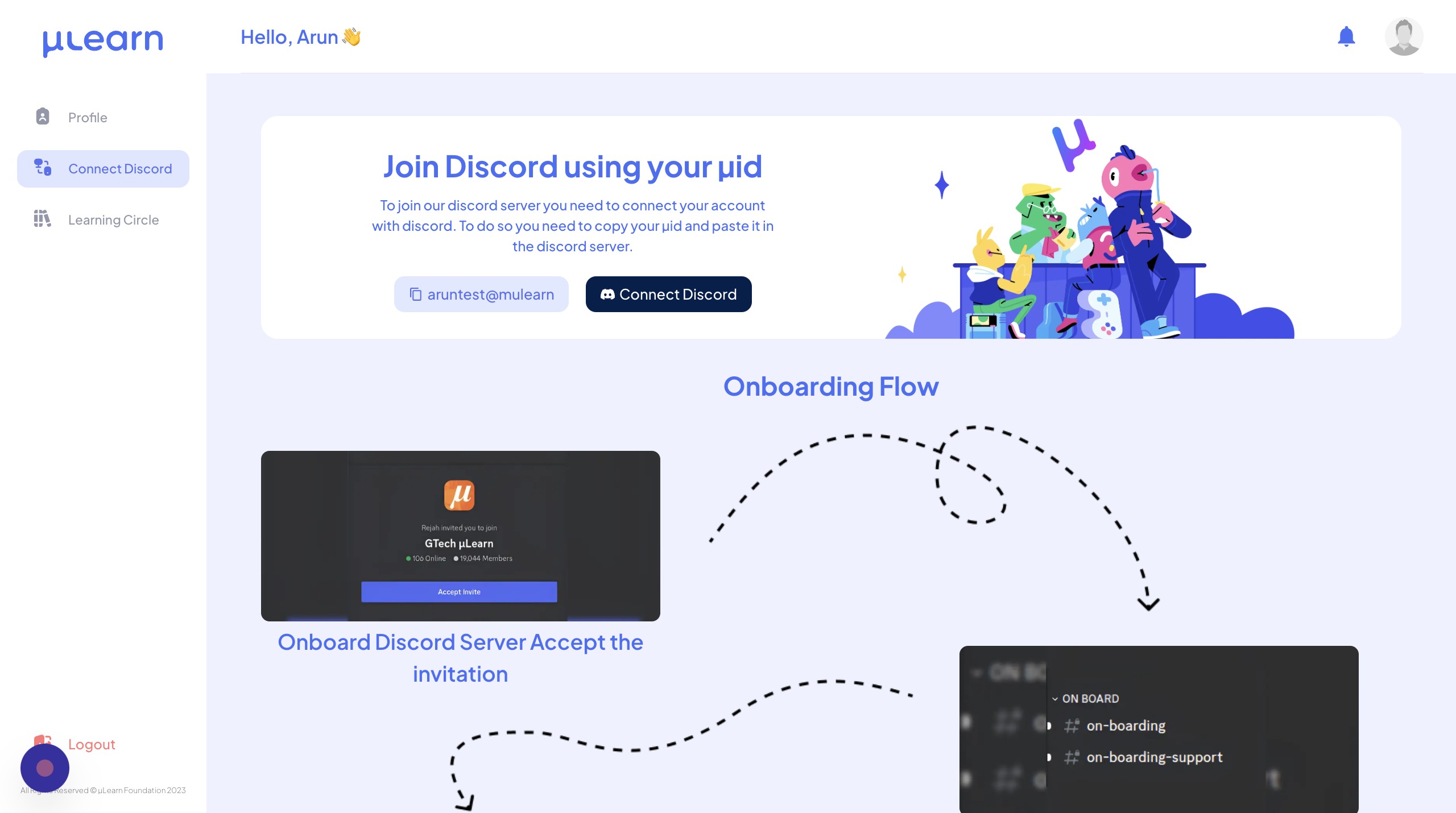
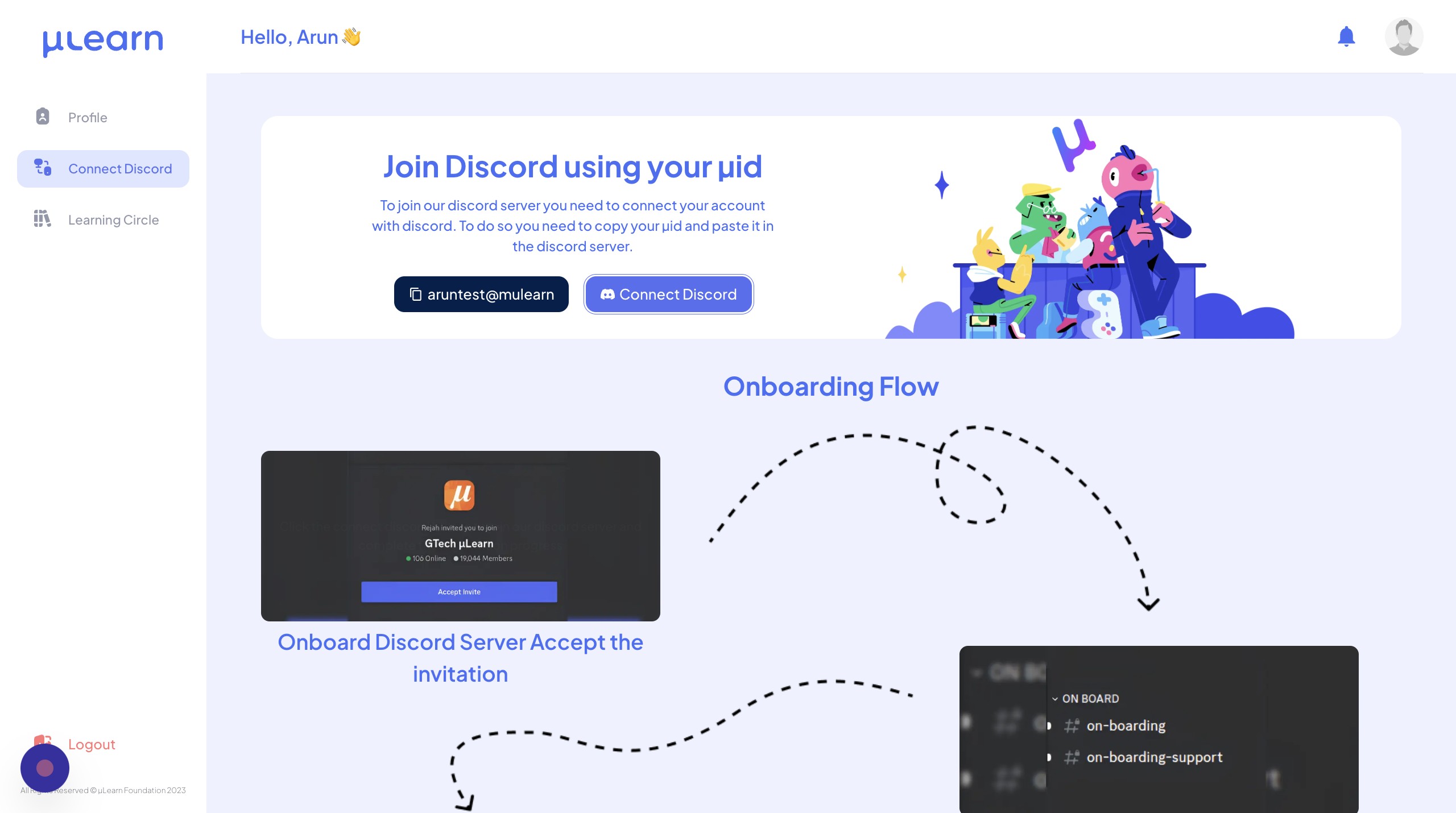
  6. Click "Connect Discord”


  7. Click "Continue to Discord”

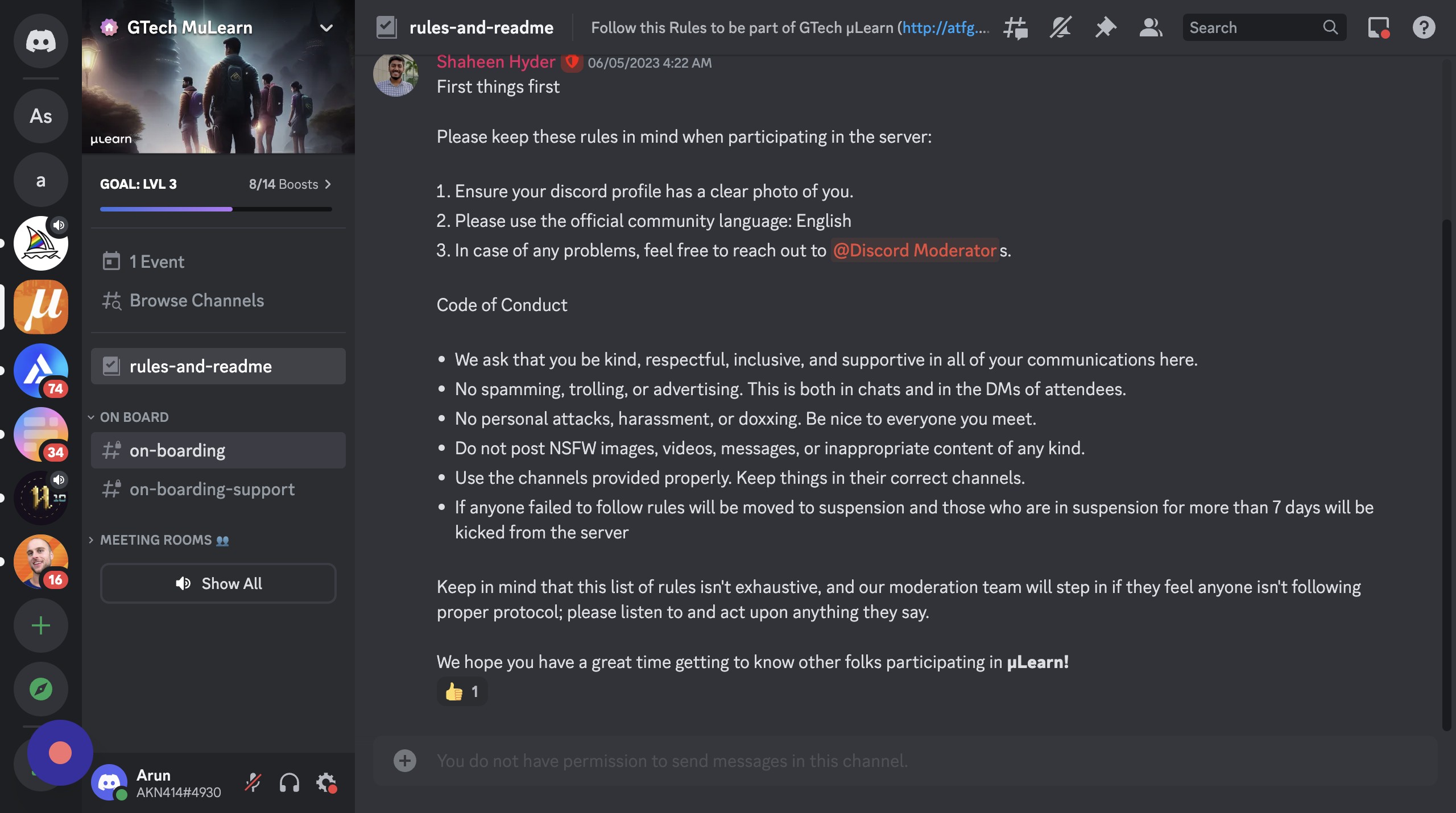
  8. Click "Read our rules and readme”


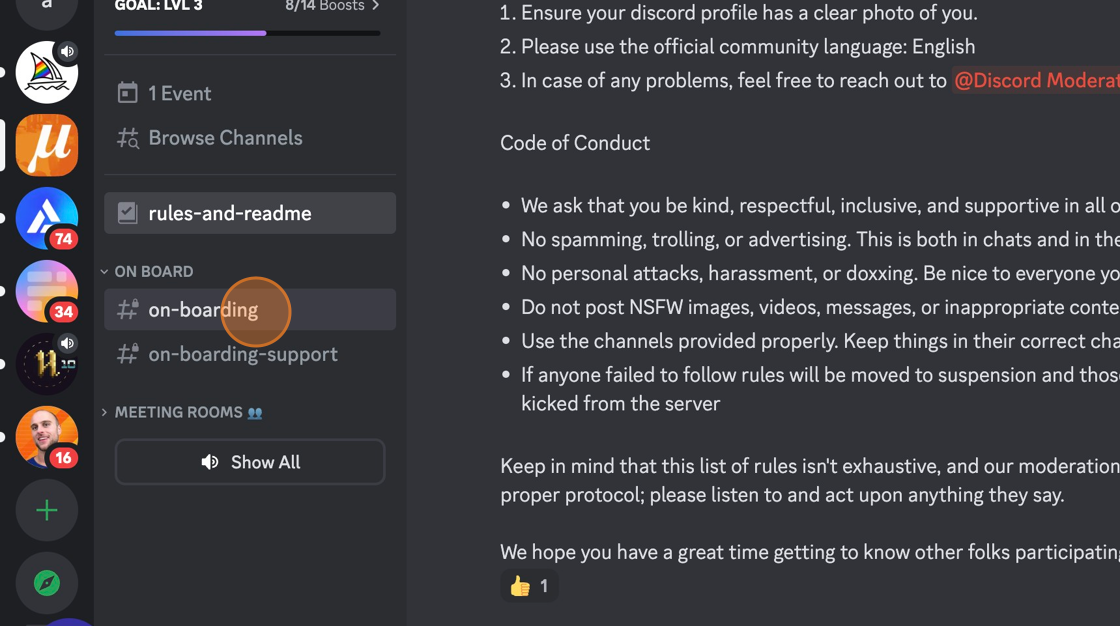
  9. Click "on-boarding”


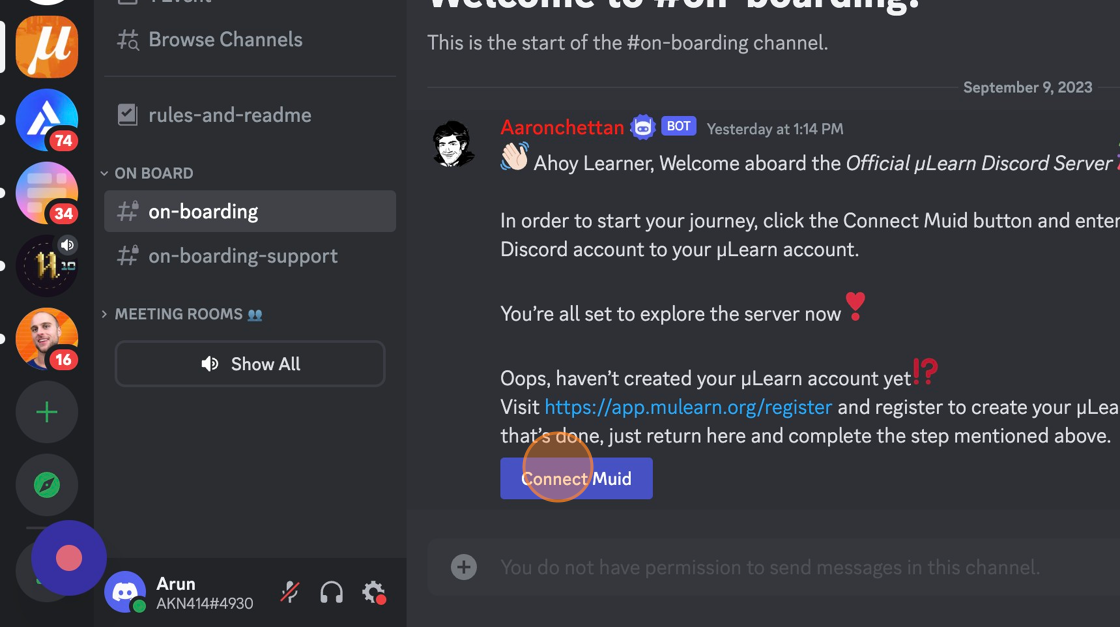
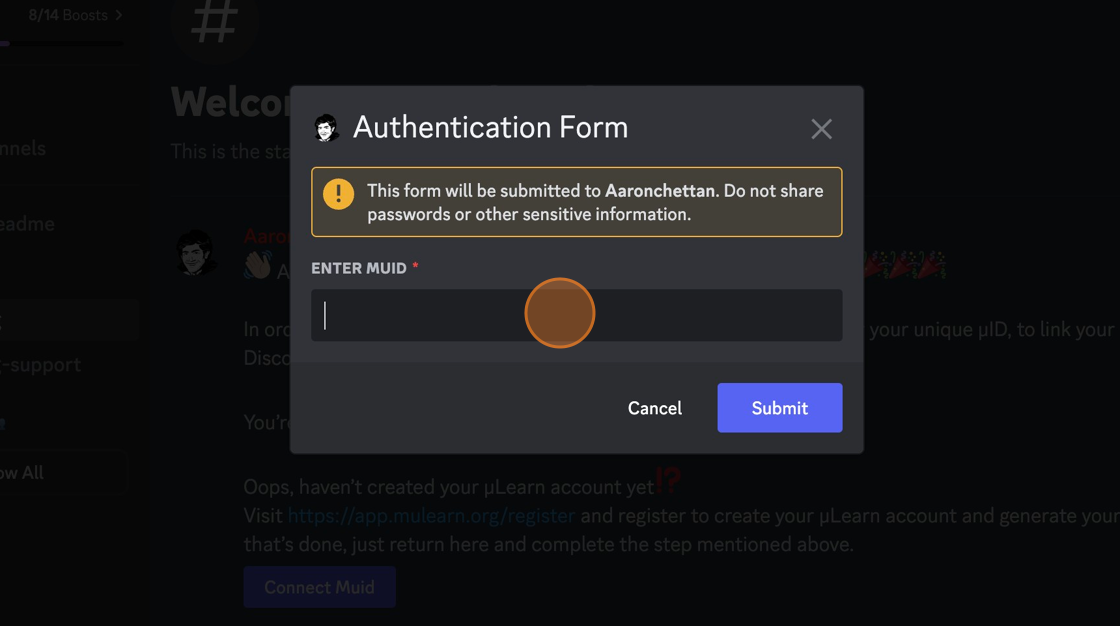
  10. Click "Connect Muid”


  11. copy the Muid


  12. paste and click “Submit”


  13. Welcome Onboard!